

CartPilot is an AI Sales Agent that works on any eCommerce platform like WooCommerce or Shopify, and will know and distribute all the information from the store. It will act as a representative of your store and answer any questions to your customers.
We are going to show the onboarding process so that you can easily setup and start using this software.
To get started, you can visit the site app.cartpilot.ai and enter your credentials, such as name, email, password, to sign up.
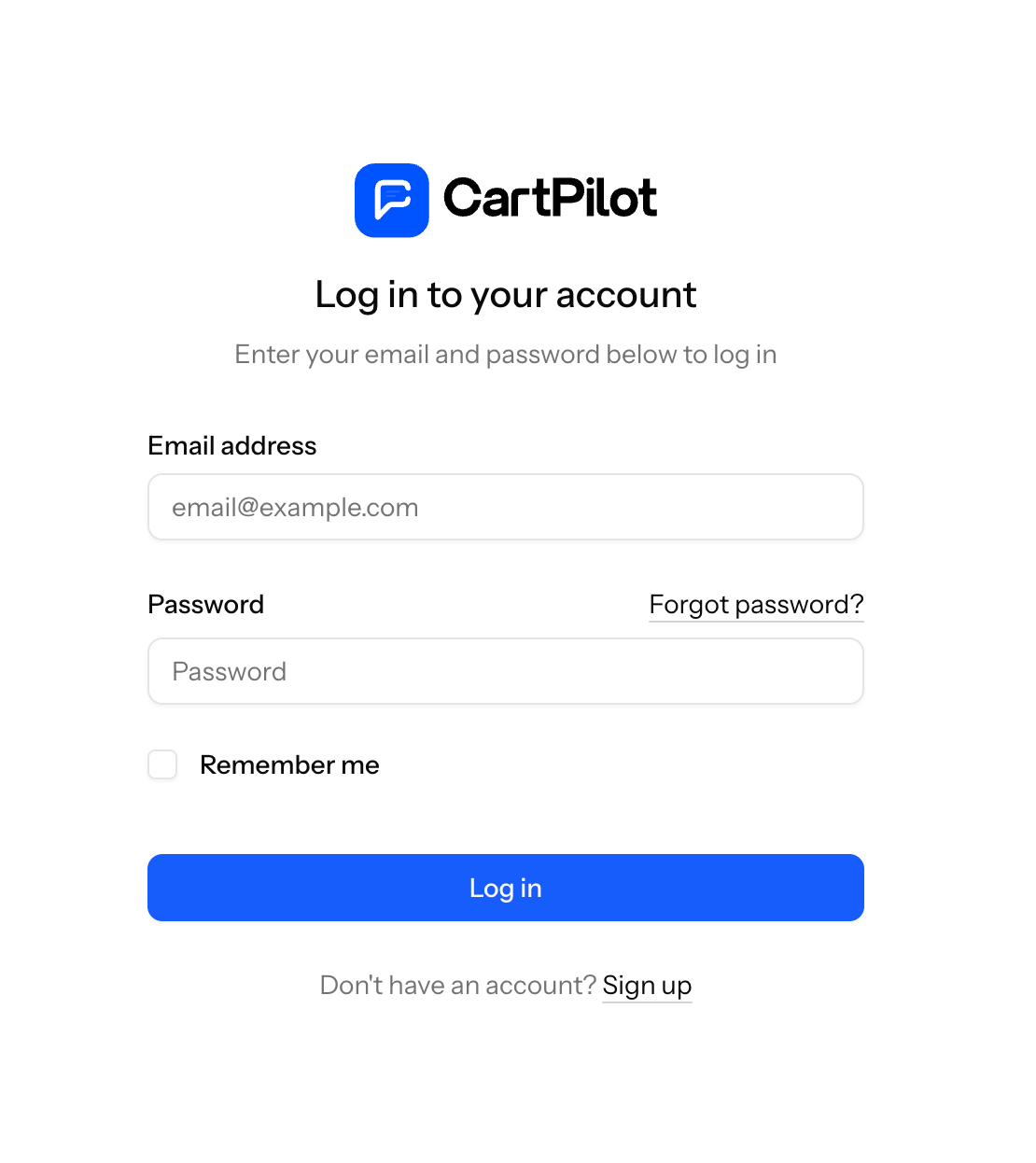
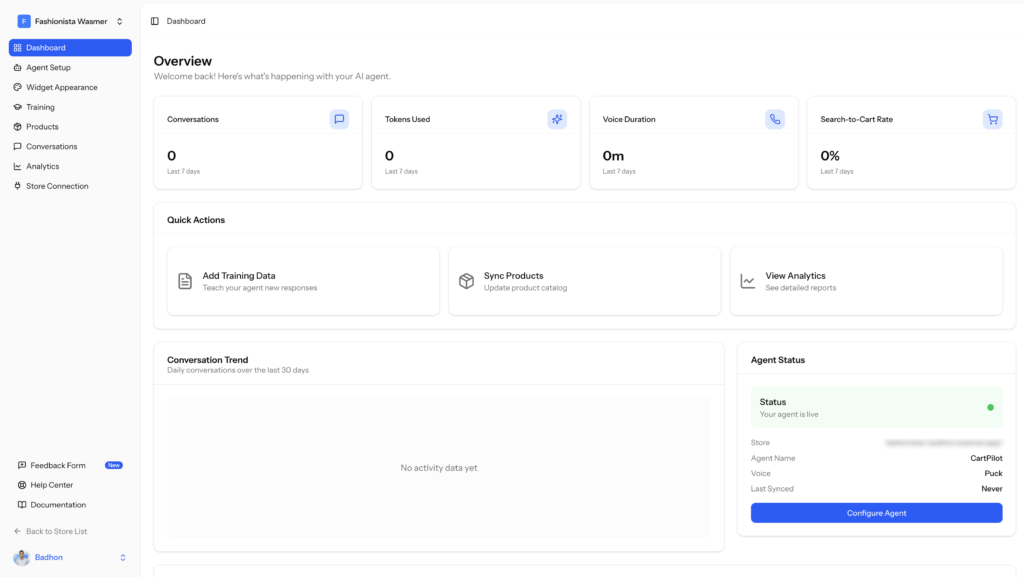
It will create an account and you will be redirected to the platform dashboard-
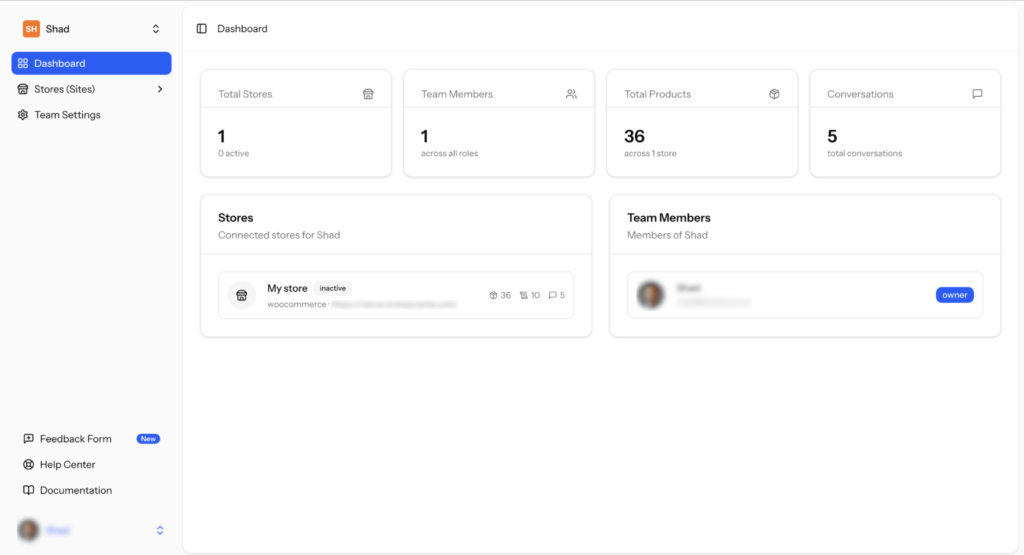
Or you can use the CartPilot plugin and connect your store directly from the WordPress dashboard-
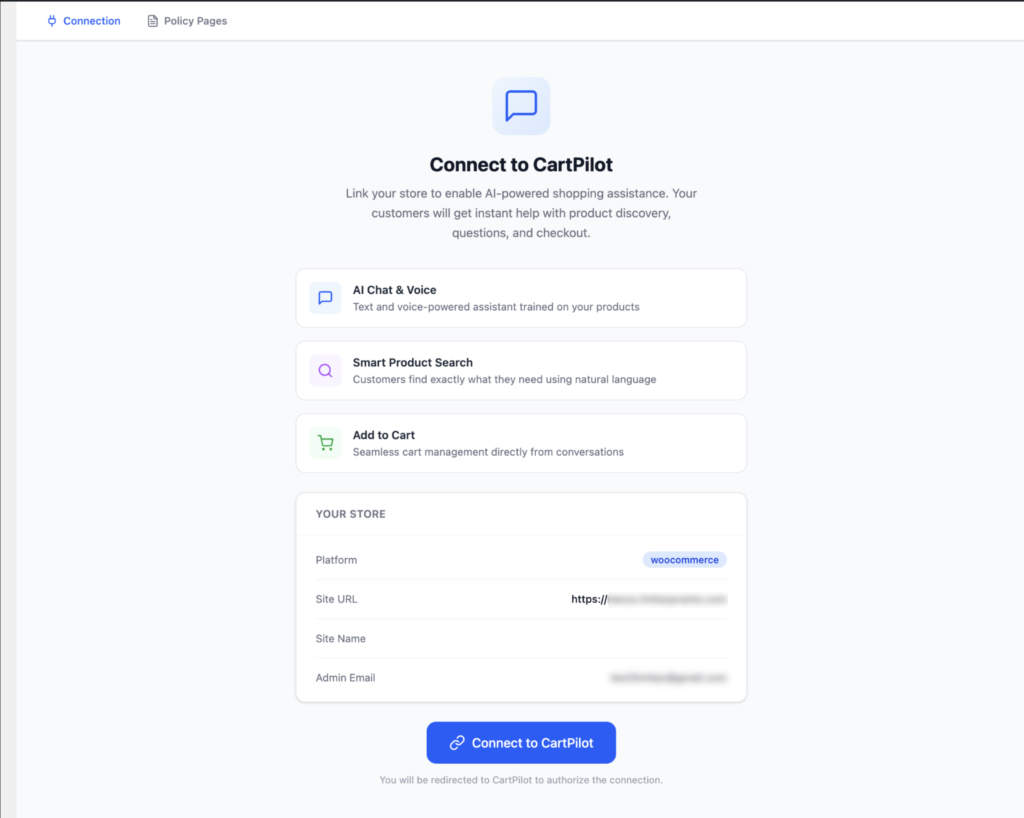
Just click the Connect to CartPilot button and you will be redirected to the platform site where you need to create your account.
From the dashboard you can connect your store by going to Stores option from the right hand side menu and click on the Connect Your First Store option –
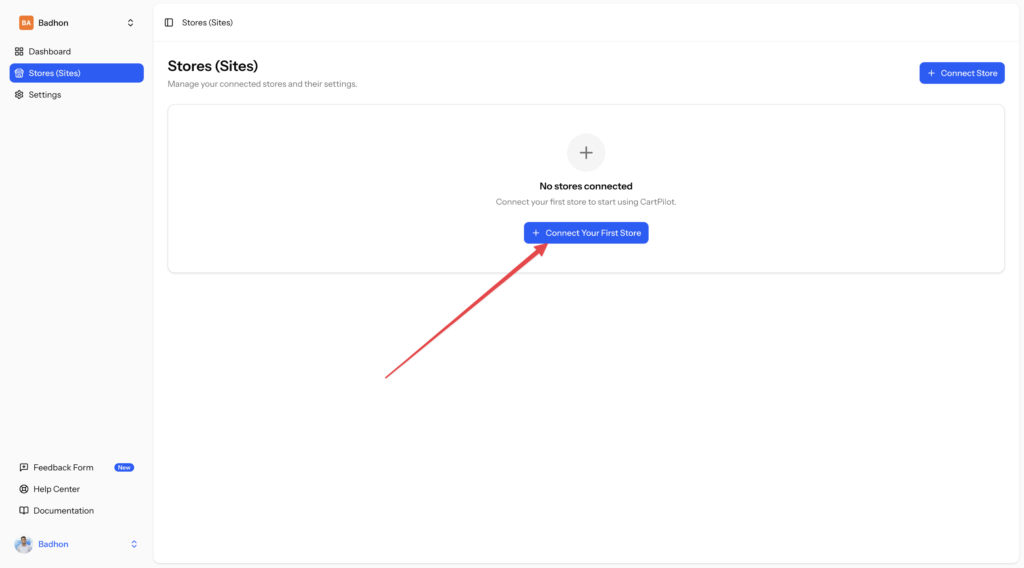
Then you need to add your store name, platform, store URL , click on the Connect Store button and your site will be connected –
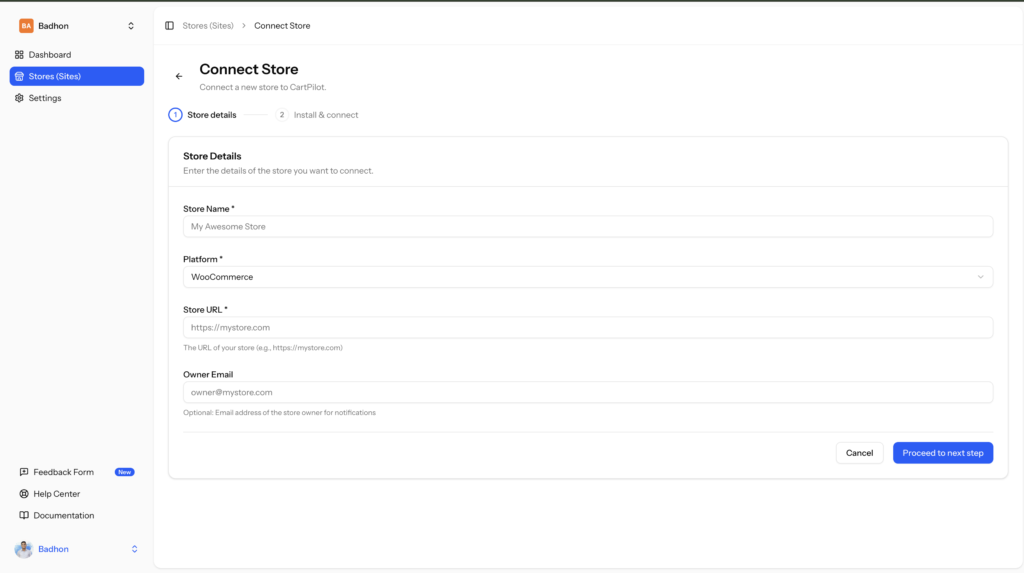
Now, please click on Proceed to Next Step and download the plugin file.
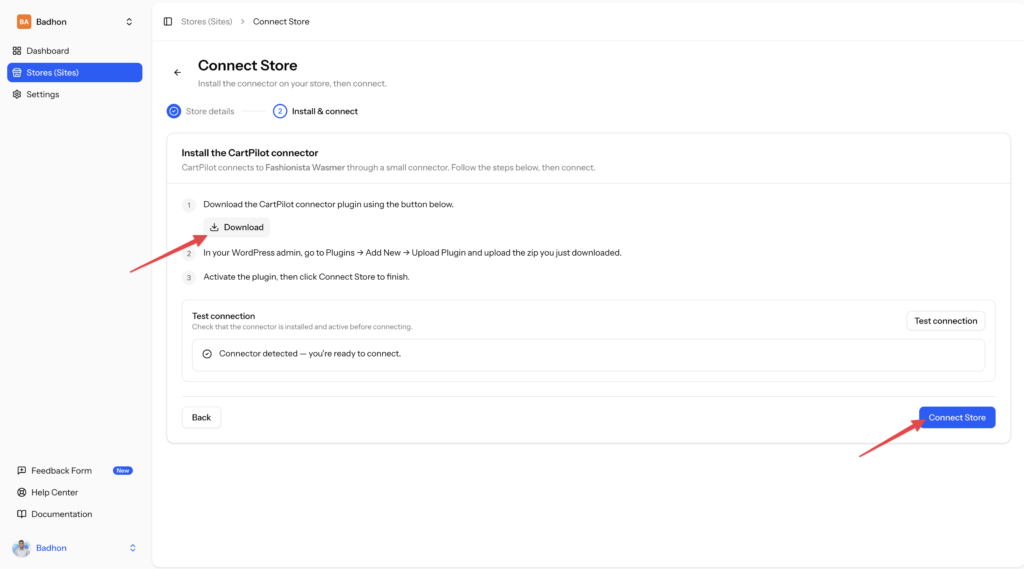
Now please navigate to your WordPress dashboard, and navigate to Add Plugin.
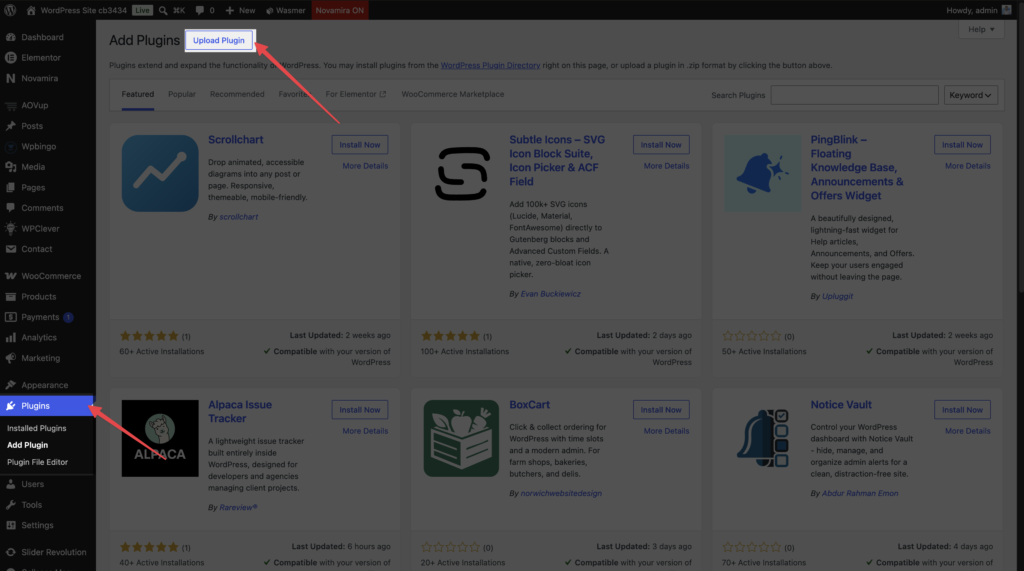
After uploading the CartPilot plugin zip, you will need to activate it. Now if you go to your WordPress Dashboard > CartPilot, you will be prompted to Connect to CartPilot. Simply click on the button, and your website will be connected with CartPilot. 🎉
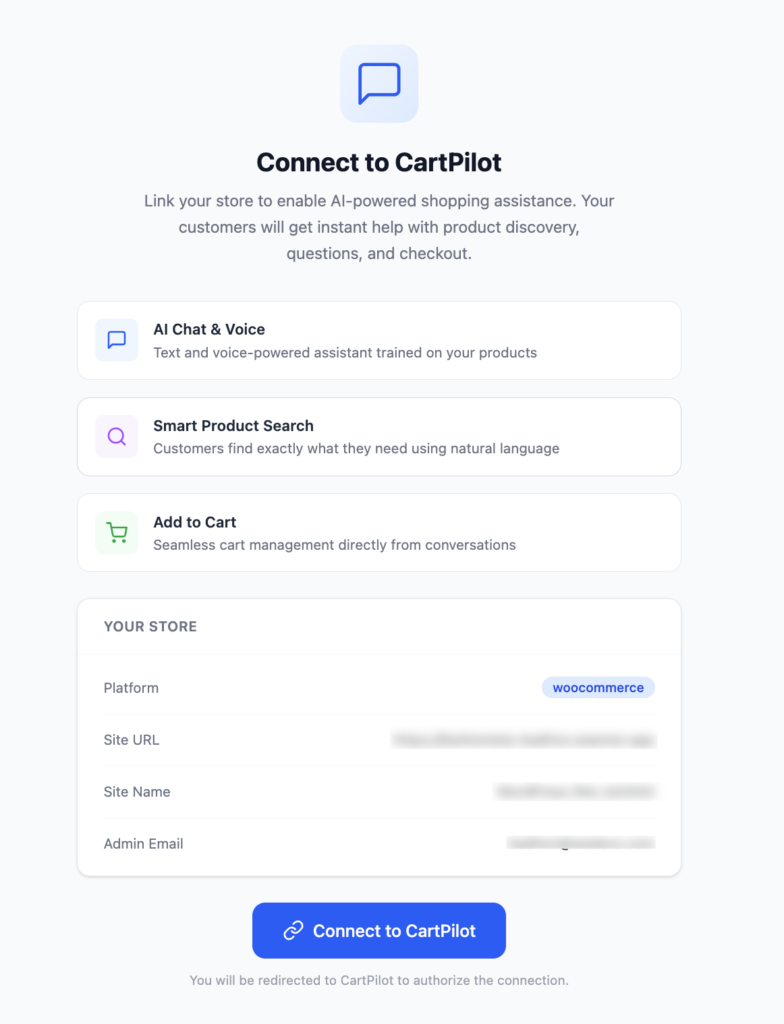
You will see that in the plugin dashboard that the store is connected to CartPilot.
This is how you can easily connect your store to CartPilot.


