

In this section, you need to train your agent so that it knows all about your store. For that you need to sync you store by clicking on the Sync from store button –
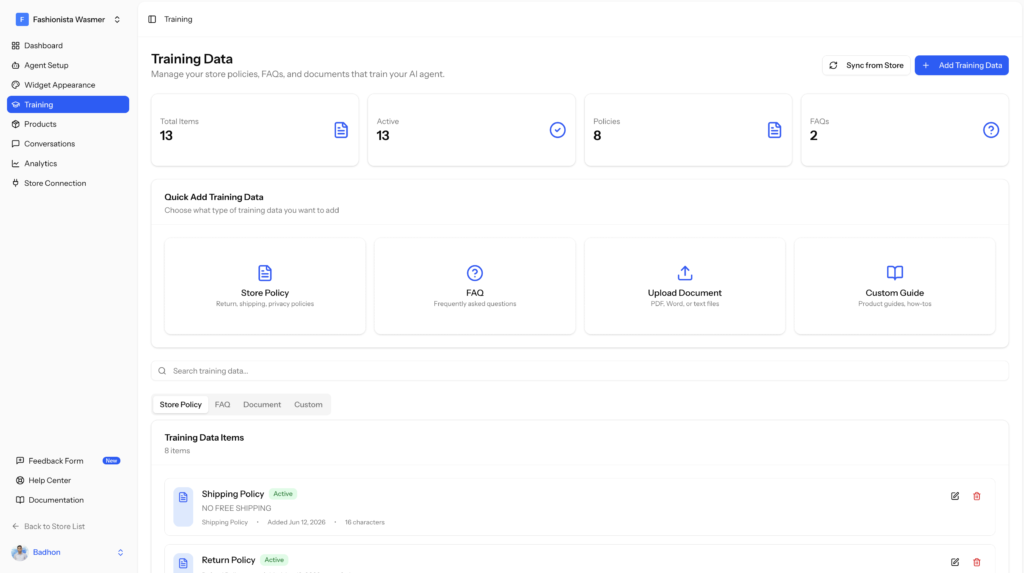
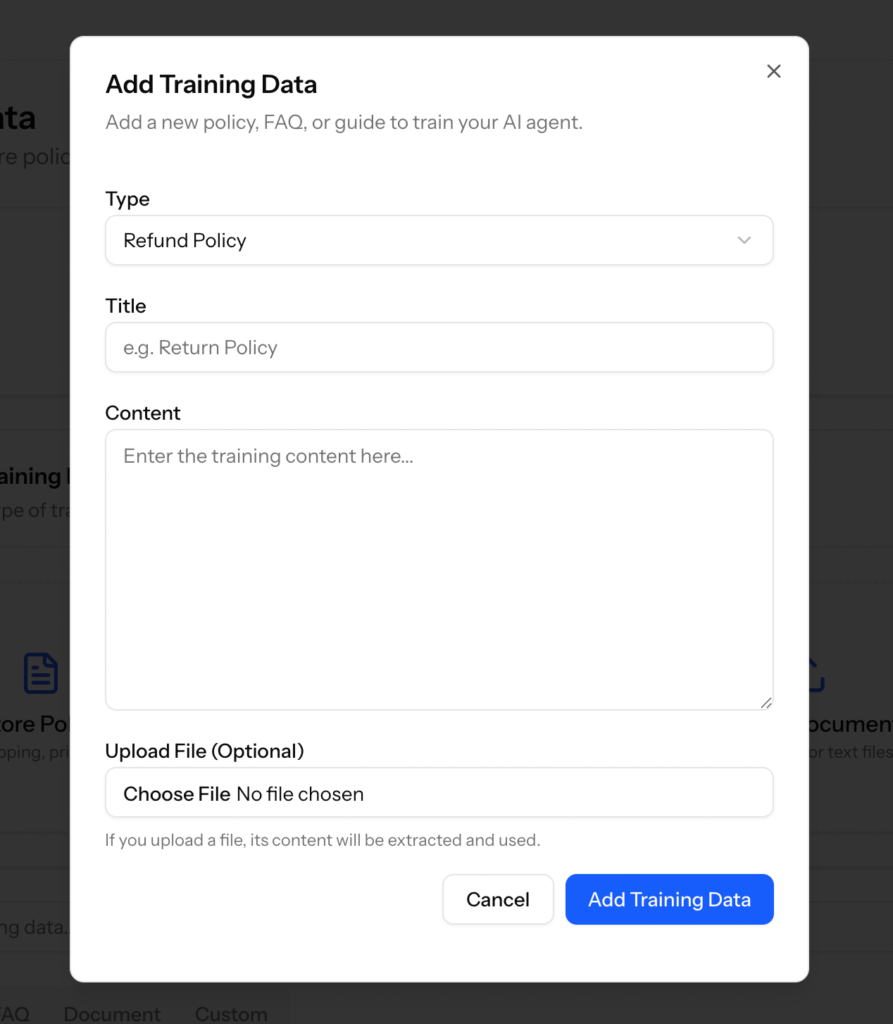
You can also add Training data manually as well by clicking on the Add Training Data button-
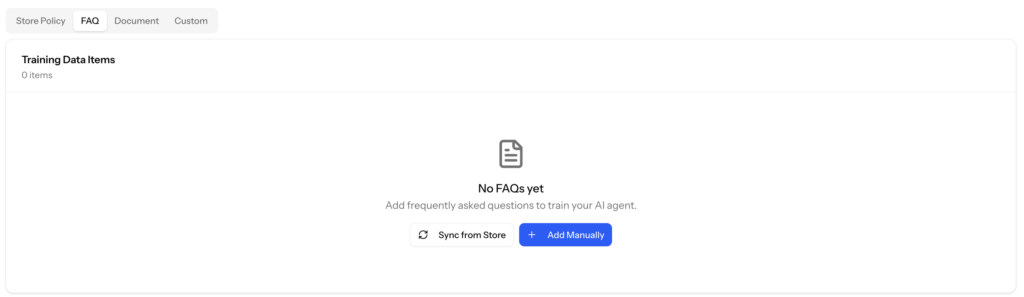
If you want you can Sync FAQs or add them manually so that you can cover every bases-
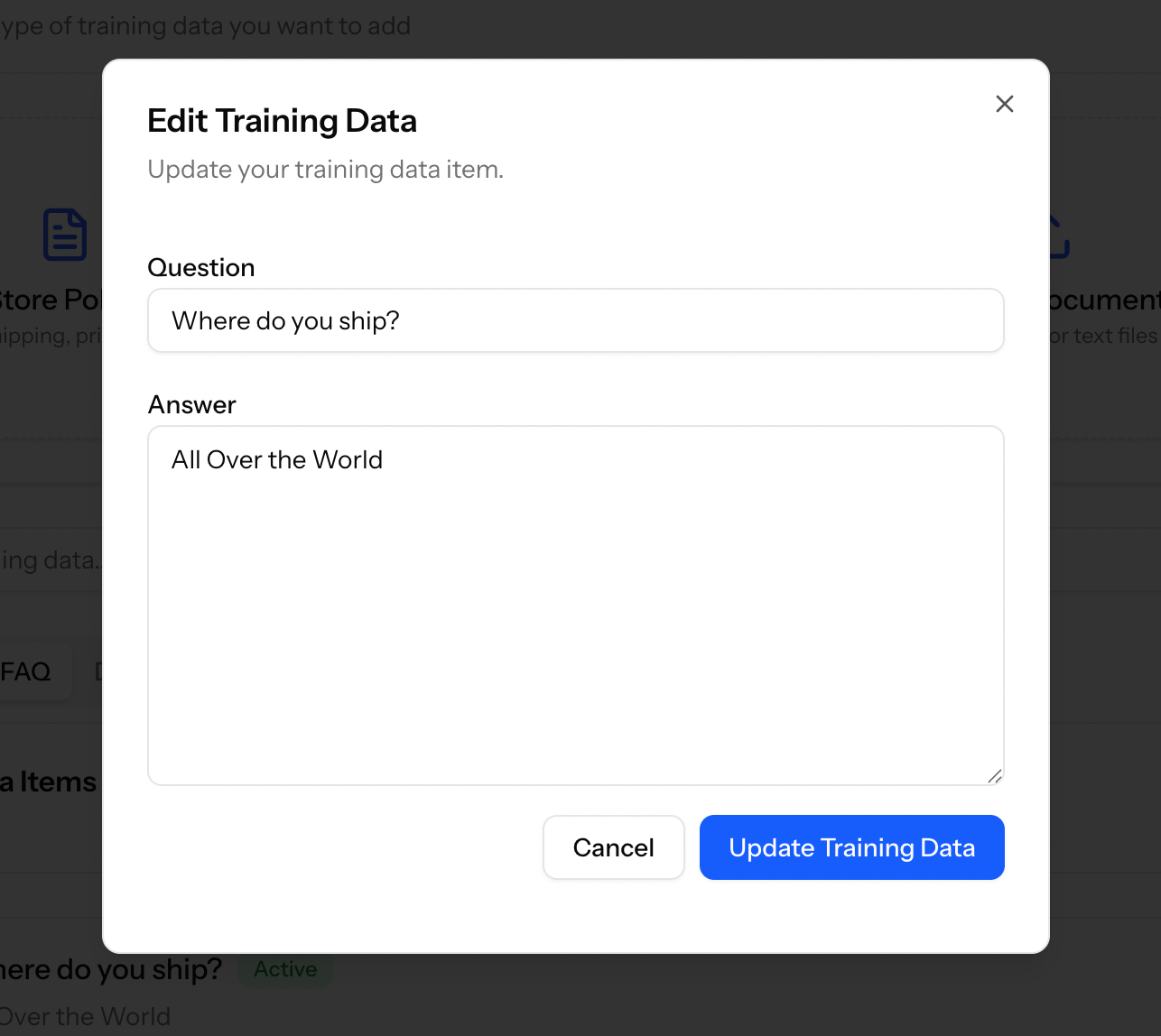
You will get a pop-up to add FAQs-
If you want you can add upload other documents related to your store as well.

